
KontaktbereichKontaktbereich Kontaktbereich
Service-Telefon
04141 109-0
Service-Telefon Electronic Banking
04141 109-249
Unsere BLZ & BIC
BLZ24151116
BICNOLADE21STK

Instructions and help

Online banking made easy

Instructions and help

Online banking made easy

  • Online banking guides
  • Step-by-step instructions
  • Information on various topics

Online banking guides

Everything you need to know about online banking from your computer, smart phone or tablet – from making payments to setting up standing orders. What you’ll need: a Sparkasse account, internet access and, optionally, the App Sparkasse for your smartphone. You can authorise your transactions easily and securely with pushTAN or chipTAN.

This page explains how to set up and use these apps. We also have many other guides for everything to do with online banking.

Set up

Set up and login

Setting up apps, getting your login details
Financial status in the App Sparkasse

App Sparkasse · pushTAN

Setting up your App Sparkasse with pushTAN · Instructions

Keep an eye on your accounts and securely approve your orders in online banking. The instructions explain how to set up the App Sparkasse and the S-pushTAN-App step by step.

Set up the S-pushTAN-App

S-pushTAN-App

Set up the S-pushTAN-App for the first or again · Instructions

You can use the S-pushTAN-App to approve orders in online banking securely and with ease. This is how you can set up the S-pushTAN-App for the first time or again.

Two Smartphones

Device change

New smartphone? Set up the Sparkasse apps when changing devices · Instructions

Keep using the Sparkasse apps – even on your iPhone/iPad or Android device. Learn how to set up the App Sparkasse and the S-pushTAN-App again.

Smartphone and tablet

Multibanking as part of the online banking function of your Sparkasse

Easily add accounts and custody accounts of other banks in the app or internet branch with Multibanking · Instructions

Maintain an overview at all times and make transfers from all linked accounts. Simple, free and secure. Learn how to add your accounts in Multibanking here.

Forgotten login details

Forgotten login details

What to do if you have forgotten your password or login details (username/login ID or PIN)
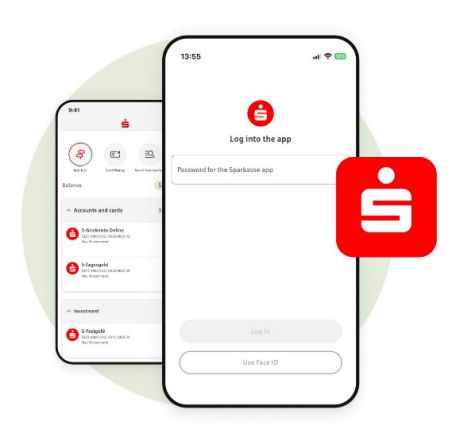
forgot password - two smartphones

App Sparkasse

App Sparkasse: Forgot password · Instructions

You have forgotten your password for the App Sparkasse. No problem – follow these step-by-step instructions to reset it with ease and assign a new one.

Restore access data on PC and smartphone

Online banking

Forgotten online banking PIN (password) or login name · Instructions

Useful tip – If you have forgotten your access data (login name/identity verification ID or online banking PIN) for Sparkasse online banking or your access is blocked. Even if your S-pushTAN-App does not work.

smartphone and pushTAN App

S-pushTAN-App

S-pushTAN-App: Forgot password · Instructions

Useful tip – if you have forgotten your S-pushTAN-App password for your iPhone/iPad or Android device: Follow our simple step-by-step instructions.

Transaction verification procedures

Transaction verification procedures

Help with verification procedures like pushTAN and chipTAN
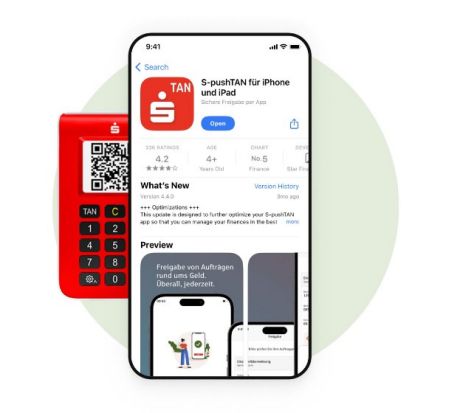
chipTAN device an pushTAN App on smartphone

S-pushTAN-App

Switching from chipTAN to pushTAN · Instructions

Now switch to the pushTAN approval procedure – and follow these simple instructions. You can then use the pushTAN procedure immediately.

Set up and login

Setting up apps, getting your login details

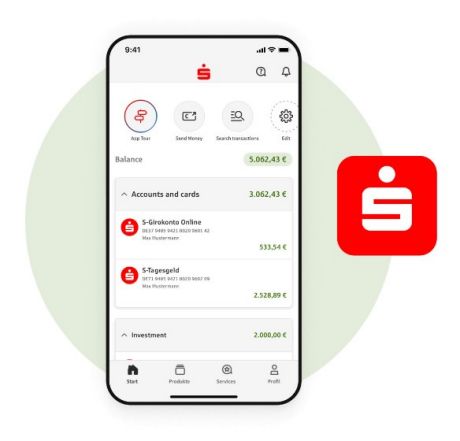
Setting up your App Sparkasse with pushTAN
Financial status in the App Sparkasse

App Sparkasse · pushTAN

Setting up your App Sparkasse with pushTAN · Instructions

Keep an eye on your accounts and securely approve your orders in online banking. The instructions explain how to set up the App Sparkasse and the S-pushTAN-App step by step.

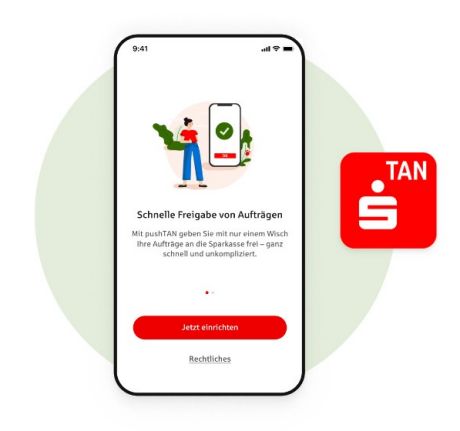
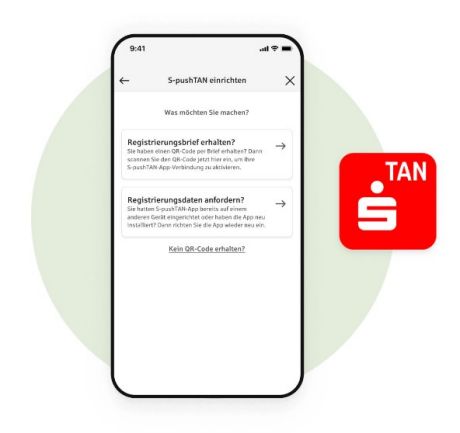
Set up the S-pushTAN-App for the first or again
setup for pushTAN App on smartphone

S-pushTAN-App

Set up the S-pushTAN-App for the first or again · Instructions

You can use the S-pushTAN-App to approve orders in online banking securely and with ease. This is how you can set up the S-pushTAN-App for the first time or again.

Set up the Sparkasse apps when changing devices
two smartphones

Device change

New smartphone? Set up the Sparkasse apps when changing devices · Instructions

Keep using the Sparkasse apps – even on your iPhone/iPad or Android device. Learn how to set up the App Sparkasse and the S-pushTAN-App again.

Adding accounts of other banks with Multibanking
smartphone and tablet

Multibanking as part of the online banking function of your Sparkasse

Easily add accounts and custody accounts of other banks in the app or internet branch with Multibanking · Instructions

Maintain an overview at all times and make transfers from all linked accounts. Simple, free and secure. Learn how to add your accounts in Multibanking here.

Forgotten login details

What to do if you have forgotten your password or login details (username/login ID or PIN)

App Sparkasse: Forgot password
two smartphones and sparkasse logo

App Sparkasse

App Sparkasse: Forgot password · Instructions

You have forgotten your password for the App Sparkasse. No problem – follow these step-by-step instructions to reset it with ease and assign a new one.

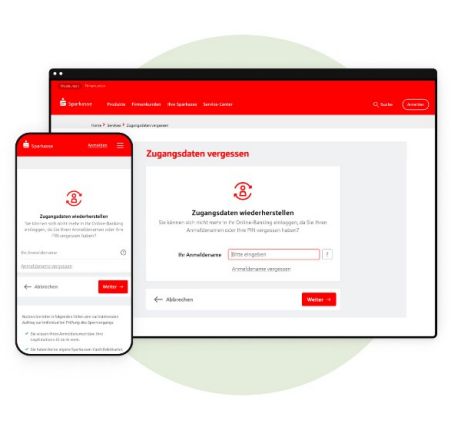
Forgotten online banking PIN (password) or login name
Restore access data on PC and smartphone

Online banking

Forgotten online banking PIN (password) or login name · Instructions

Useful tip – If you have forgotten your access data (login name/identity verification ID or online banking PIN) for Sparkasse online banking or your access is blocked. Even if your S-pushTAN-App does not work.

S-pushTAN-App: Forgot password
smartphone with error notification and pushTAN app logo

S-pushTAN-App

S-pushTAN-App: Forgot password · Instructions

Useful tip – if you have forgotten your S-pushTAN-App password for your iPhone/iPad or Android device: Follow our simple step-by-step instructions.

Transaction verification procedures

Transaction verification procedures

Help with verification procedures like pushTAN and chipTAN

Switching from chipTAN to pushTAN
chipTAN device and smartphone with pushTAN App

S-pushTAN-App

Switching from chipTAN to pushTAN · Instructions

Now switch to the pushTAN approval procedure – and follow these simple instructions. You can then use the pushTAN procedure immediately.

Find tutorials in other languages

Mobile phone and different flags

Quick guides in different languages

Find tips and instructions for online banking in Arabic, French, Russian, Turkish, Ukrainian and more.

 Cookie Branding
i